
Your blog’s homepage is the digital front door that determines if visitors stick around or bounce away in seconds. Homepage design for bloggers can make or break your site’s success, directly impacting how long people stay and engage with your content.
This guide is perfect for bloggers who want to transform their homepage into a visitor magnet that keeps readers clicking and scrolling. You’ll discover proven blog layout ideas that successful bloggers use to increase time on site and build loyal audiences.
We’ll walk through nine specific blog homepage layouts that work, starting with the essential elements every sticky homepage needs. You’ll see how featured content grids can showcase your best posts, why the classic sidebar layout still converts like crazy, and how video-first designs are changing the game for modern bloggers.
Each layout comes with real examples and actionable tips you can implement today to boost your user engagement design and keep visitors exploring your blog longer.
Essential Elements That Make Visitors Stay Longer
Above-the-fold content that captures immediate attention
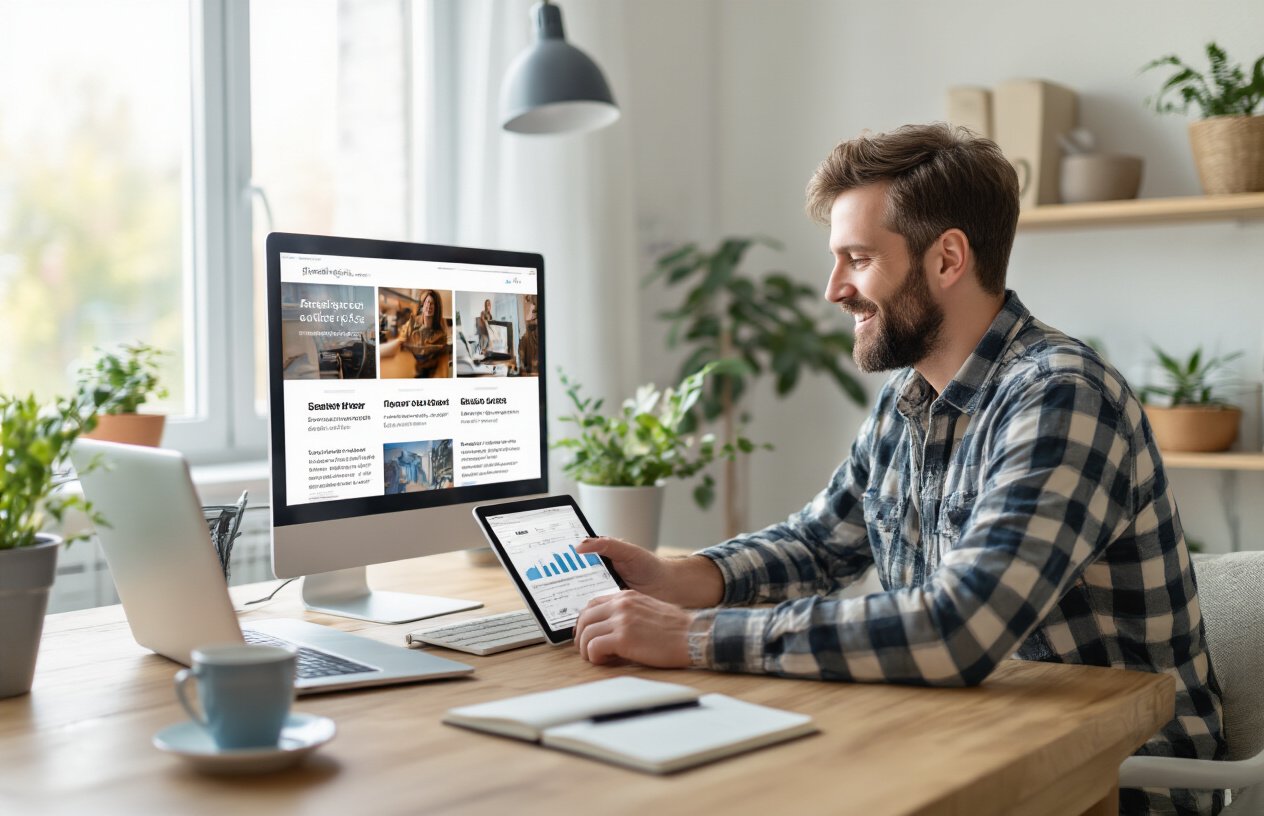
Your homepage design for bloggers needs compelling content visible before visitors scroll. Feature your best posts, clear value proposition, and eye-catching visuals that immediately communicate what readers can expect. Strong headlines and preview snippets help visitors understand your blog’s focus within seconds.
Clear navigation that guides user journey
Smart blog homepage layouts include intuitive menu structures that help readers find relevant content quickly. Category labels should be specific rather than generic, and your search function must be prominent. Consider adding “Popular Posts” or “Start Here” sections to guide new visitors toward your most engaging content.
Fast loading times that prevent bounce rates
Homepage optimization requires compressed images, streamlined code, and reliable hosting to achieve loading speeds under three seconds. Slow websites kill user engagement design efforts instantly. Test your blog layout examples across different devices and connections to ensure consistent performance that keeps visitors from abandoning your site.
Mobile-responsive design for all devices
Website design for bloggers must adapt seamlessly to smartphones, tablets, and desktops. Your blog design templates should automatically adjust text size, image dimensions, and navigation elements. Touch-friendly buttons, readable fonts, and proper spacing create positive mobile experiences that increase time on site across all user devices.
The Featured Content Grid Layout
Showcase your best posts prominently
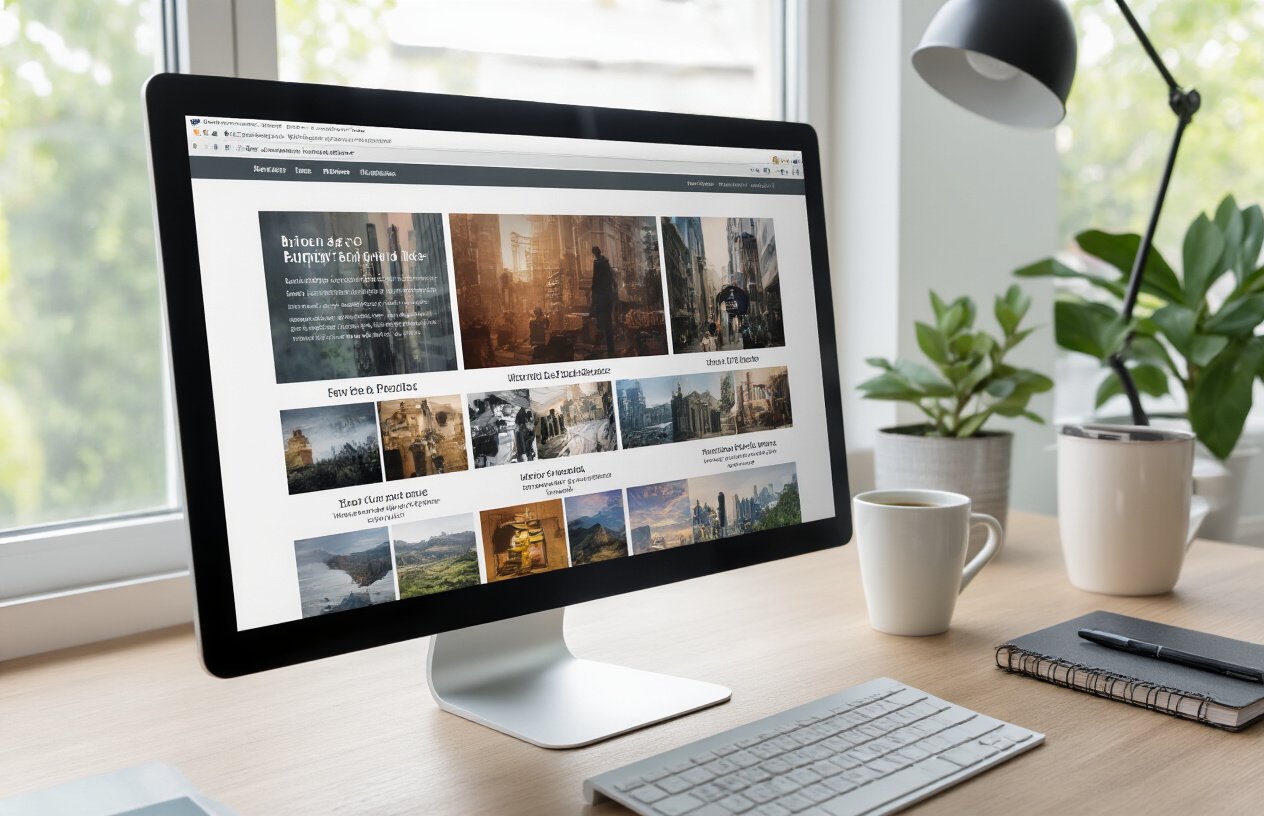
Your featured content grid serves as the digital storefront for your blog, making first impressions count. Place your highest-performing posts front and center, creating a curated selection that represents your best work. This strategic homepage design for bloggers transforms casual visitors into engaged readers by immediately presenting value. Mix evergreen content with recent popular posts to balance freshness with proven appeal. The grid layout naturally guides eyes across multiple options, increasing the chances visitors will find something that resonates with their interests and encouraging deeper site exploration.
Use compelling thumbnails and headlines
Visual appeal drives click-through rates more than any other homepage element. High-quality thumbnails should tell a story at a glance, using bright colors and clear imagery that stands out against your background. Pair these with headlines that spark curiosity without giving everything away – think “How I Doubled My Blog Traffic” rather than “Blog Traffic Tips.” Test different thumbnail styles to see what resonates with your audience, whether that’s lifestyle photography, bold graphics, or behind-the-scenes shots. Your headline and thumbnail combination creates the crucial first spark of interest.
Strategic placement for maximum visibility
Position your featured grid above the fold where visitors see it immediately upon landing. The top-left position typically receives the most attention, so place your absolute best content there. Consider using a asymmetrical layout with one larger featured post alongside smaller thumbnails – this creates visual hierarchy while showcasing variety. Mobile optimization remains critical since most blog traffic comes from phones. Ensure your grid adapts seamlessly to smaller screens without losing impact. This thoughtful placement strategy maximizes user engagement design and keeps visitors exploring your site longer.
The Sidebar-Focused Classic Layout
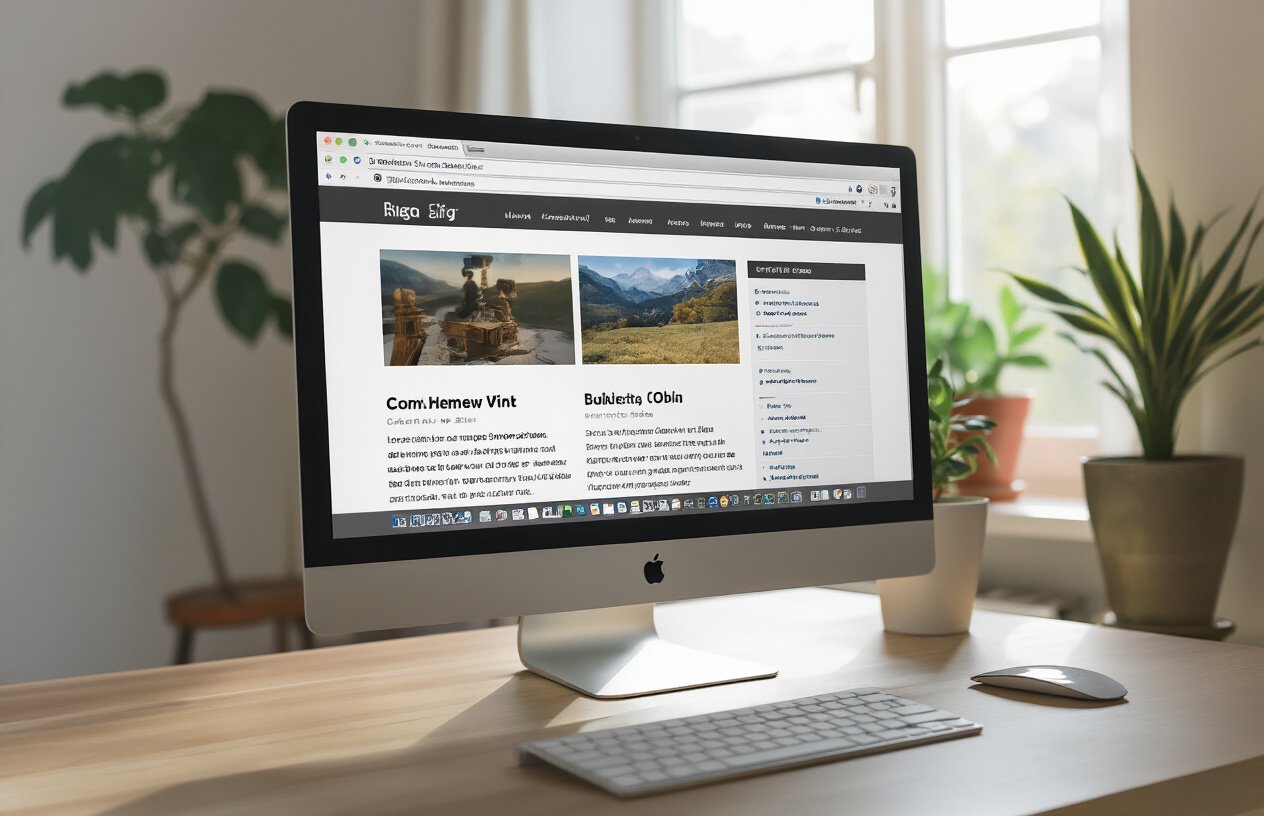
Optimize sidebar placement for engagement
Position your sidebar strategically on the right side where users naturally scan after reading your main content. This prime real estate should contain your most engaging elements that encourage deeper exploration of your blog.
Include popular posts and recent updates
Feature your top-performing articles prominently in the sidebar to showcase your best work. Mix these with fresh content updates to give returning visitors something new while helping newcomers discover your greatest hits that drive engagement.
Add social media feeds and newsletter signup
Transform your sidebar into a connection hub by embedding live social feeds that show your active online presence. Place your email signup form above the fold with compelling copy that promises value, making it easy for readers to join your community and stay updated.
The Magazine-Style Multi-Column Layout
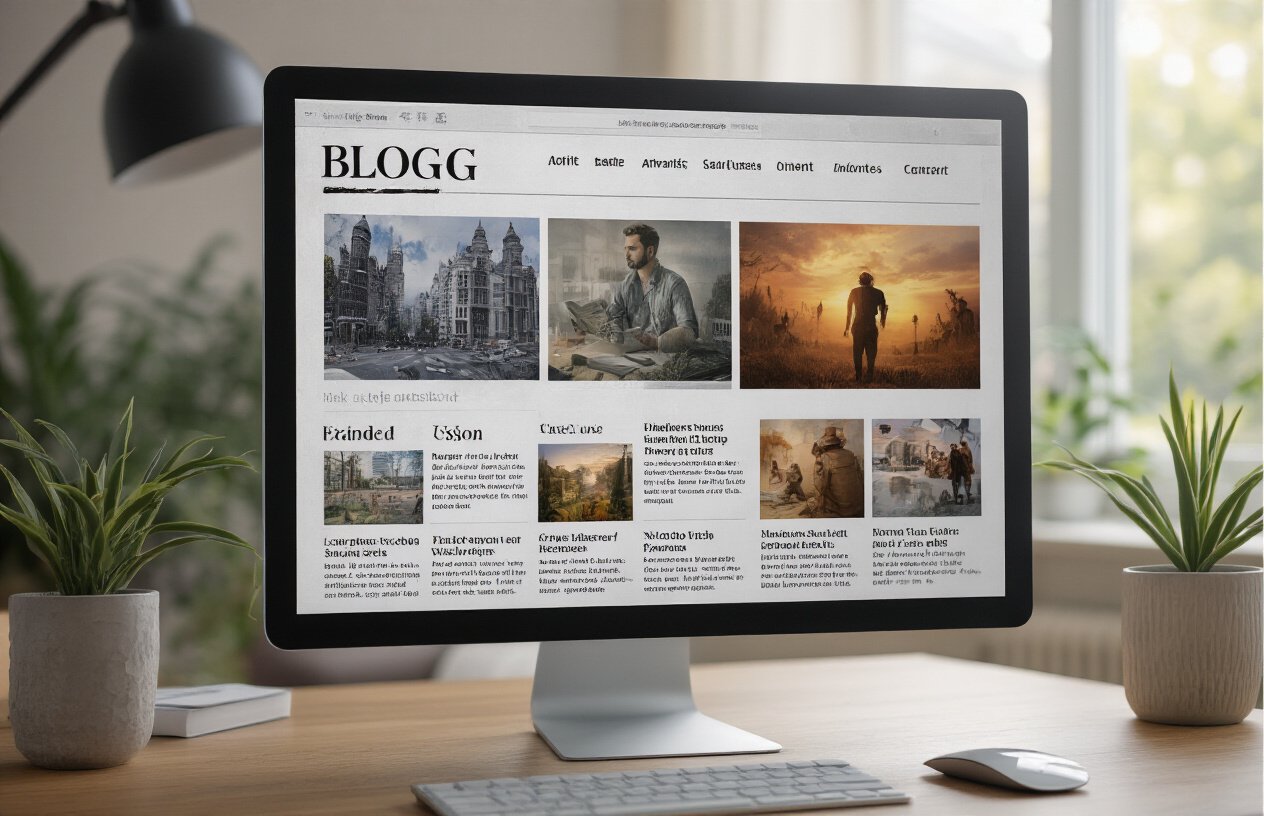
Organize content by categories and topics
Smart categorization transforms chaotic blog content into digestible sections that keep readers exploring. Create distinct zones for lifestyle, tutorials, reviews, or whatever fits your niche. Use clear category headers and consistent color coding so visitors instantly know where to find their favorite content types.
Create visual hierarchy with different post sizes
Mix large featured posts with smaller thumbnail previews to guide reader attention naturally. Your most important content gets prime real estate with bigger images and headlines, while secondary posts fill supporting roles. This varied sizing creates dynamic visual flow that prevents the dreaded “wall of text” effect.
Balance text and images for easy scanning
Strike the perfect balance between compelling visuals and informative text snippets. Each post preview should include a captivating image, headline, and brief excerpt that gives readers enough information to decide whether to click. Avoid text-heavy blocks that overwhelm busy visitors who want quick content discovery.
Include trending and editor’s picks sections
Highlight your best-performing and personally recommended content in dedicated showcase areas. Trending sections create social proof by showing what other readers love, while editor’s picks establish your authority and help visitors discover hidden gems. These curated sections act as content discovery engines that boost engagement across your entire blog.
The Minimalist Single-Column Layout
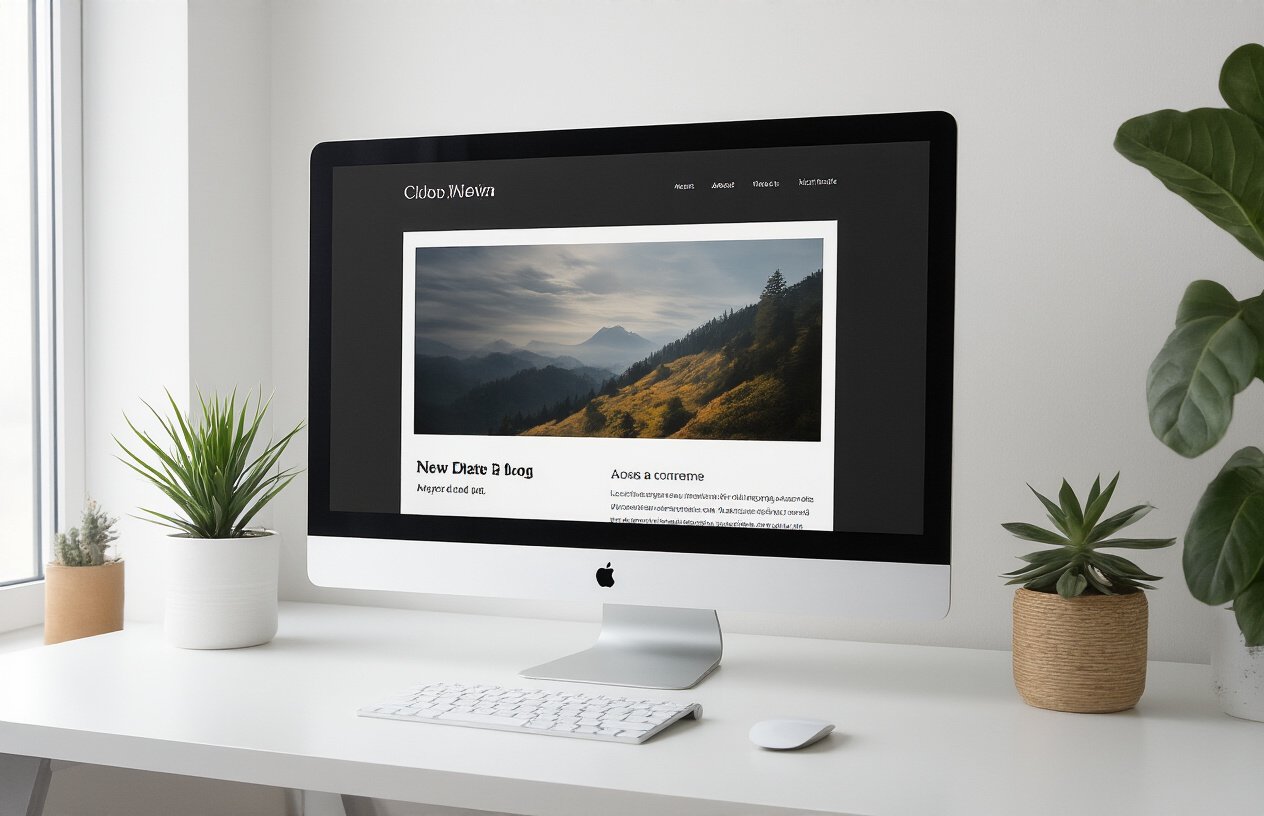
Focus attention on high-quality content
The minimalist single-column layout strips away unnecessary elements to spotlight your best writing. By presenting one primary content stream, readers naturally focus on your articles without competing visual elements pulling their attention elsewhere. This blog layout idea creates a clear reading path that keeps visitors engaged with your content rather than getting distracted by sidebars, widgets, or multiple navigation options.
Reduce distractions for better readability
Clean homepage design for bloggers means eliminating clutter that fragments attention. Remove excessive social media icons, advertising banners, and complex navigation menus that interrupt the reading flow. This streamlined approach to website design for bloggers significantly increases time on site because readers can immerse themselves in your content without visual noise breaking their concentration.
Implement clean typography and white space
Strategic use of white space and readable fonts transforms your blog homepage into an inviting reading environment. Choose a maximum of two complementary typefaces and ensure generous spacing between paragraphs and sections. This homepage optimization technique makes your content feel premium and professional while reducing eye strain, encouraging visitors to read multiple articles during their visit.
The Hero Banner with Call-to-Action Layout
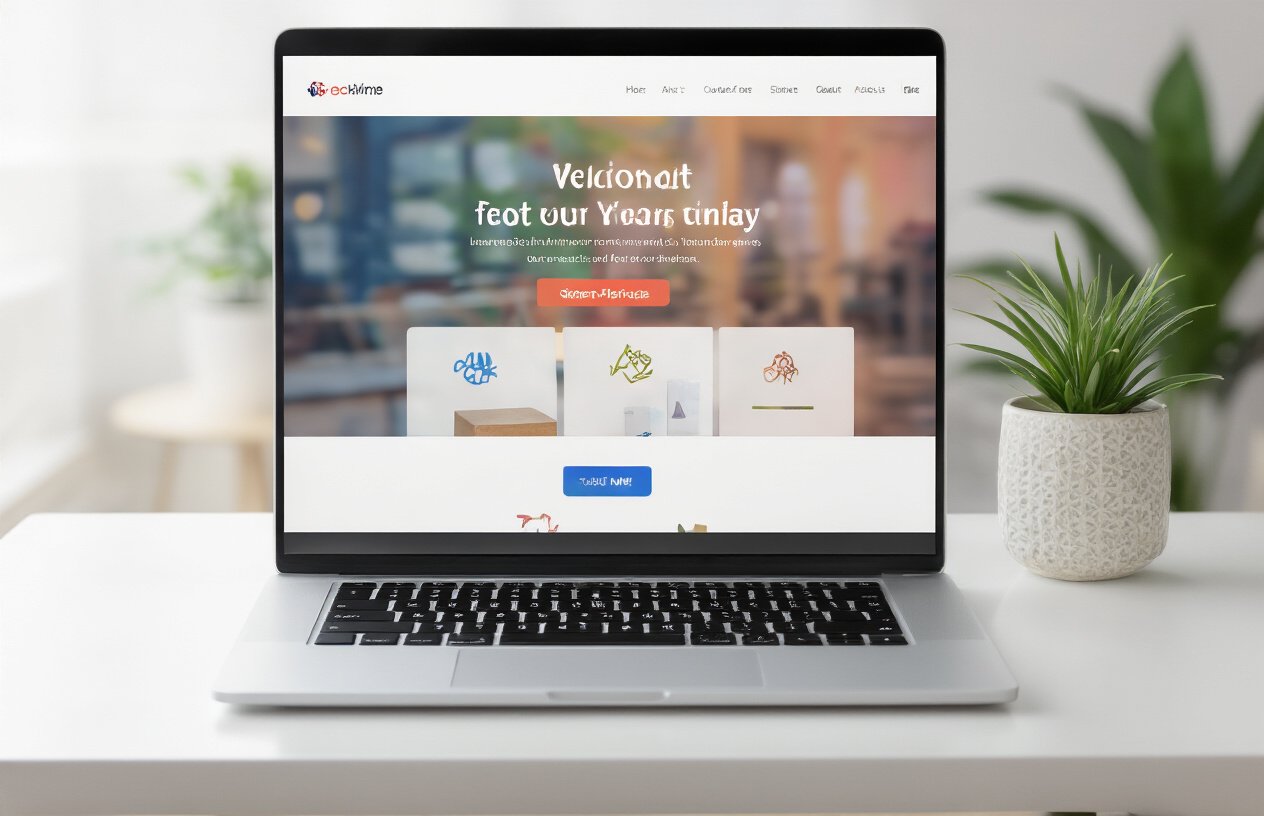
Design compelling hero sections that convert
Hero banners serve as your blog’s digital storefront, creating immediate impact when visitors land on your homepage. The most effective hero sections combine striking visuals with compelling headlines that instantly communicate your blog’s unique value. Position your strongest content preview or most popular post prominently, ensuring the visual hierarchy guides readers toward your primary message. Use high-contrast colors and bold typography to make key elements stand out, while maintaining consistency with your overall brand aesthetic.
Create clear value propositions
Your value proposition should answer the crucial question: “What’s in it for me?” within seconds of a visitor’s arrival. Craft a concise statement that highlights the specific benefits readers gain from your content, whether it’s expert insights, practical tutorials, or entertainment. Position this message prominently in your hero section, using language that resonates with your target audience’s pain points and aspirations. Test different value propositions to see which generates higher engagement and longer time on site.
Place strategic buttons for key actions
Strategic call-to-action placement transforms passive visitors into engaged readers. Position your primary CTA button prominently within the hero section, using action-oriented text like “Start Reading” or “Explore Latest Posts.” Secondary buttons can direct users to popular categories, email signups, or featured series. Ensure buttons are visually distinct with contrasting colors and adequate white space. The placement should feel natural within the design flow while being impossible to miss.
Use persuasive copy that encourages exploration
Persuasive copy bridges the gap between curiosity and commitment, turning casual browsers into dedicated readers. Write headlines that create intrigue while clearly stating benefits, avoiding vague promises in favor of specific outcomes. Use power words that evoke emotion and urgency, such as “discover,” “master,” or “unlock.” Include social proof elements like subscriber counts or achievement badges to build credibility. Keep copy scannable with short sentences and bullet points that highlight your most compelling content offerings.
The Video-First Homepage Layout
Embed engaging video content prominently
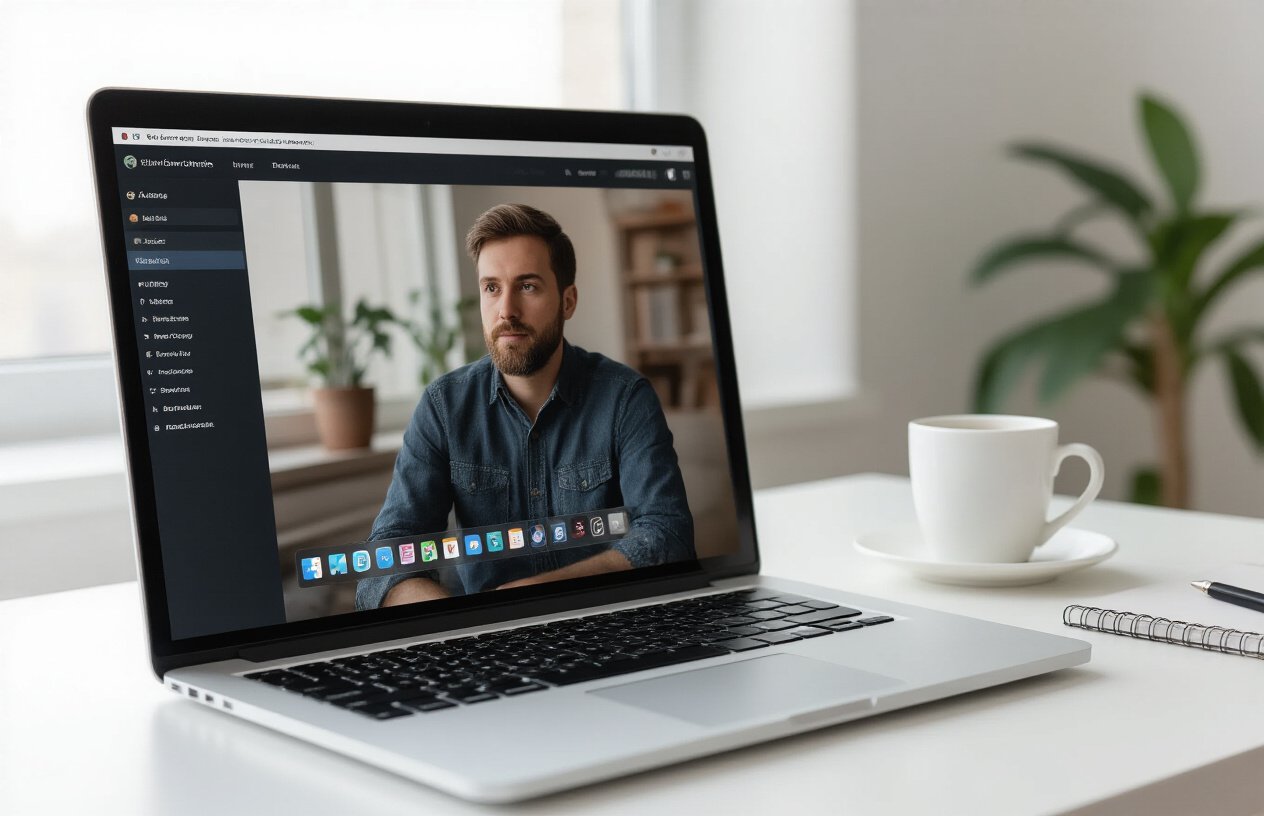
Video content transforms a static homepage into an immersive experience that captures visitors immediately. Position your most compelling video above the fold where it becomes the first thing readers see when they land on your site. This approach works particularly well for lifestyle bloggers, travel enthusiasts, and tutorial creators who can showcase their personality and expertise through dynamic visual storytelling.
Create auto-play previews that capture interest
Auto-play videos grab attention within seconds, but use them strategically to avoid overwhelming visitors. Set videos to play silently with captions enabled, allowing users to choose whether to engage with audio. Keep preview clips between 10-30 seconds to maintain interest without consuming excessive bandwidth. Food bloggers can showcase recipe processes, while fitness bloggers can demonstrate quick workout techniques that entice viewers to explore full tutorials.
Include video thumbnails with play buttons
Video thumbnails serve as visual teasers that encourage clicks while maintaining faster page loading speeds. Design custom thumbnails that highlight key moments or include overlay text describing the video’s value proposition. Place recognizable play button icons prominently on thumbnails to clearly indicate interactive content. This homepage design for bloggers approach increases user engagement by giving visitors control over their viewing experience while showcasing your video library’s breadth and quality.
The Social Proof and Testimonials Layout
Display reader testimonials and reviews
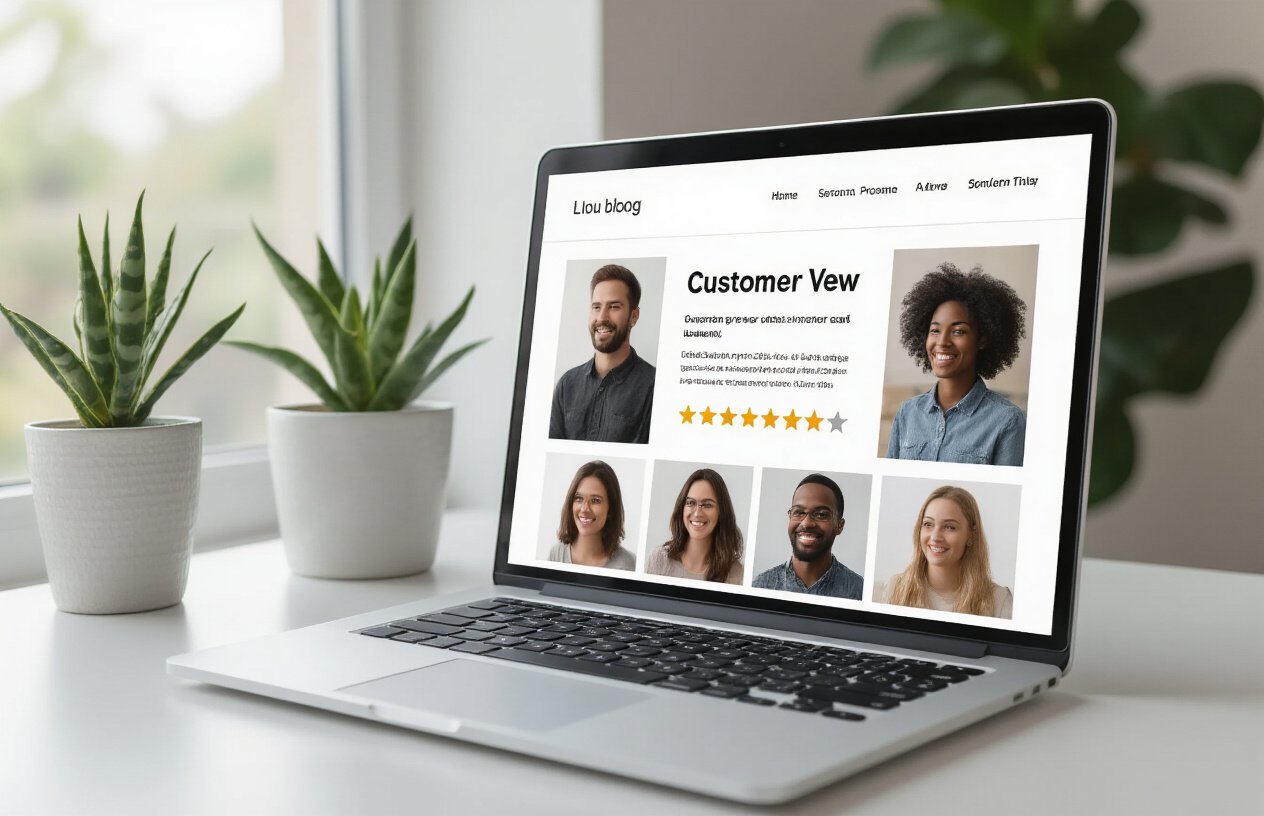
Position genuine reader testimonials prominently on your homepage to showcase the value your content provides. Include specific quotes about how your blog helped solve problems or inspired action. Feature diverse testimonials from different reader demographics to appeal to a broader audience. Add photos and names (with permission) to increase credibility and make testimonials feel more authentic and trustworthy.
Show subscriber counts and social followers
Display your email subscriber numbers and social media follower counts as visual proof of your blog’s popularity and reach. Use widgets or custom counters that automatically update these metrics. Position these elements in high-visibility areas like your sidebar or header. Growing numbers create a bandwagon effect, encouraging new visitors to join your community and spend more time exploring your content.
Feature media mentions and awards
Highlight any press coverage, podcast appearances, or industry awards your blog has received. Create a dedicated section showcasing logos from publications that mentioned your work or interviews you’ve given. Include brief quotes from media features or award descriptions. This third-party validation immediately establishes your authority and expertise, making visitors more likely to trust your content and explore multiple pages.
Include author credentials and expertise
Create a compelling author bio section that establishes your credibility and expertise in your niche. Mention relevant education, work experience, certifications, or achievements that qualify you to write about your topic. Include professional headshots and personal touches that make you relatable. Share your journey or unique perspective that sets you apart from other bloggers in your field, building trust with new visitors.
The Interactive and Personalized Layout
Implement content recommendation engines
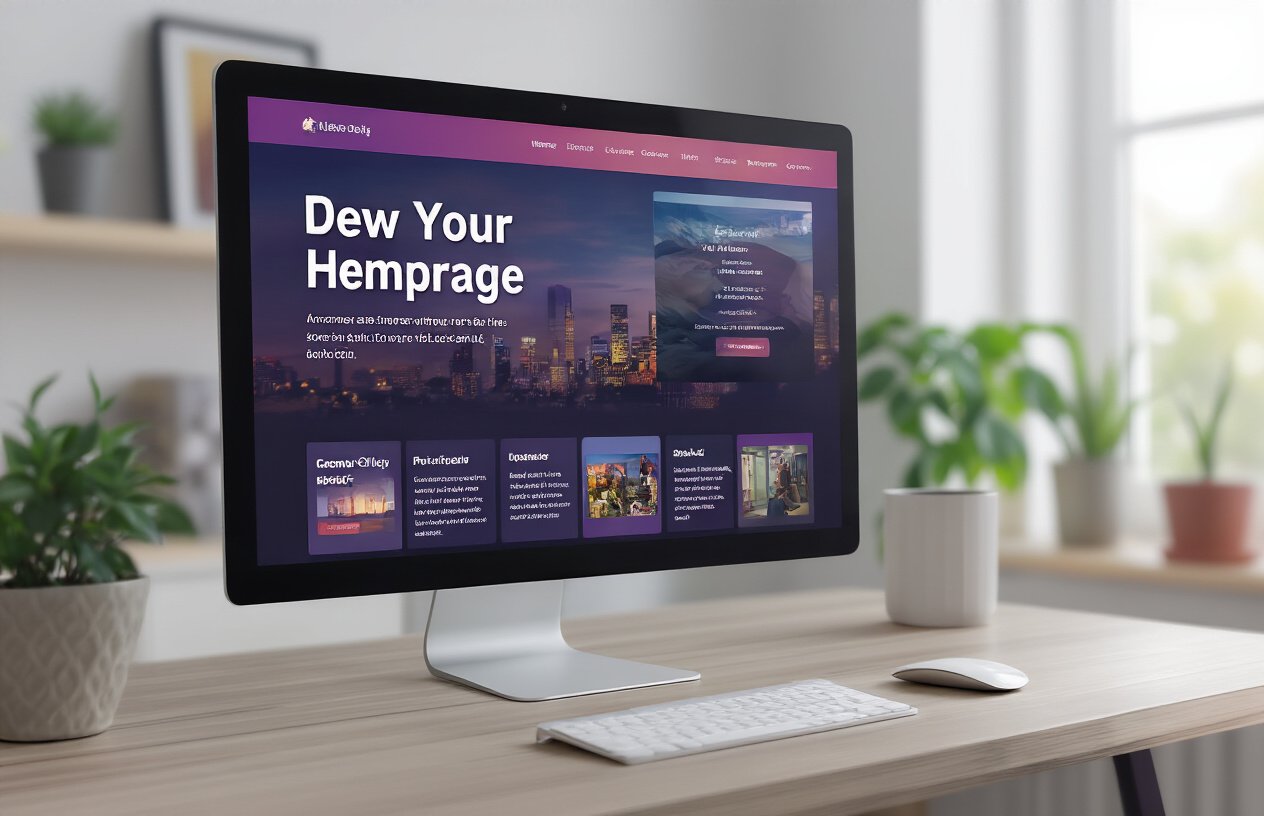
Smart content recommendations transform static blog homepages into dynamic, personalized experiences that keep visitors engaged. Modern recommendation engines analyze user behavior, reading history, and preferences to suggest relevant articles automatically. Popular tools like Jetpack Related Posts or custom WordPress plugins can display “You might also like” sections that adapt based on visitor interactions. These systems learn from clicks, scroll depth, and time spent reading to continuously improve suggestions and increase page views per session.
Add search functionality with filters
Advanced search features with filtering options help visitors quickly find exactly what they’re looking for, reducing bounce rates significantly. Add category filters, date ranges, author selections, and tag-based sorting to create a comprehensive discovery system. WordPress plugins like SearchWP or FacetWP enable powerful search experiences that go beyond basic keyword matching. Include autocomplete suggestions, recent searches, and popular queries to guide users toward your best content while encouraging exploration of related topics.
Create personalized user experiences
Personalization goes beyond content recommendations to create unique homepage experiences for different visitor segments. Display returning visitor welcome messages, show recently viewed posts, or highlight new content since their last visit. Implement location-based customization, device-specific layouts, or time-sensitive content that changes throughout the day. Cookie-based personalization remembers user preferences for layout styles, font sizes, or content categories, creating a sense of ownership that encourages regular returns and longer browsing sessions.
Your homepage acts as the digital front door to your blog, and the layout you choose directly impacts how long visitors stick around. The eight proven layouts we’ve explored each offer unique advantages – from the engaging featured content grid that showcases your best work to the clean minimalist approach that lets your writing shine. Whether you’re drawn to the authority-building magazine style or the conversion-focused hero banner layout, the key is matching your design choice to both your content style and audience needs.
The most successful bloggers understand that homepage design isn’t just about looking pretty – it’s about creating an experience that makes people want to explore more. Start by testing one of these layouts that resonates with your brand, then pay attention to your analytics to see how visitor behavior changes. Your time on site metrics will tell you everything you need to know about whether you’ve found the right fit for your blog.