
Your blog content might be brilliant, but if your website design looks unprofessional, visitors will bounce before reading a single word. These common website design mistakes are costing you readers, credibility, and potential income every day.
This guide is for bloggers, small business owners, and anyone running a website who wants to eliminate the cheap-looking elements that drive visitors away. You don’t need a design degree or big budget to fix these issues – just the right knowledge.
We’ll walk through seven critical design problems that instantly make blogs look amateurish. You’ll discover how poor font choices and cluttered layouts destroy website readability, making it impossible for visitors to focus on your content. We’ll also cover why mobile-unfriendly design is killing your traffic, since over half your audience browses on phones and tablets.
By the end, you’ll know exactly which design elements are sabotaging your blog’s credibility and how to fix them today. Let’s transform your website from cheap-looking to professional without breaking the bank.
Poor Font Choices That Hurt Readability
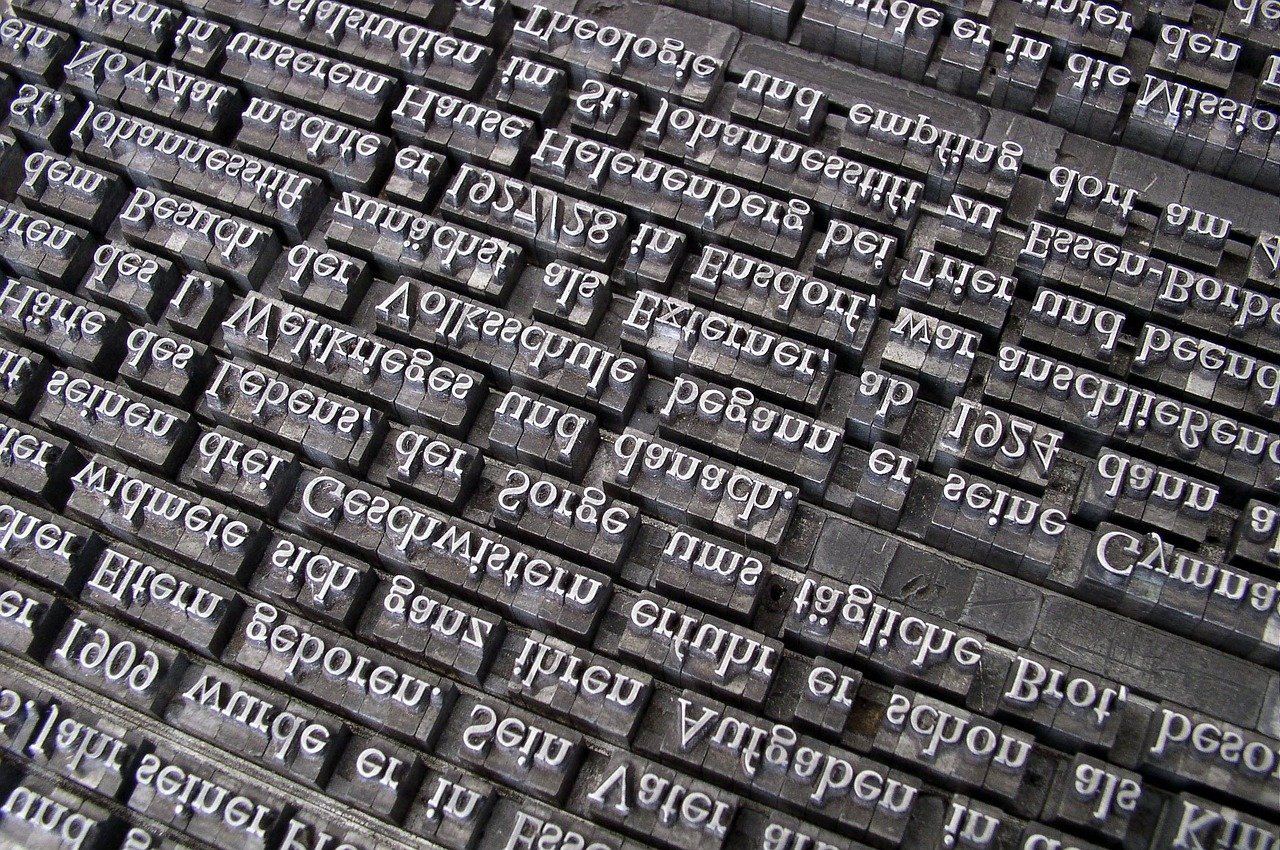
Using Too Many Different Fonts on One Page
Your website turns into a chaotic mess when you mix multiple fonts throughout your pages. Professional blog design relies on consistency, and using more than two or three font families creates visual confusion that screams amateur. Stick to one font for headings and another for body text to maintain clean, readable design that builds credibility with your audience.
Selecting Fonts That Are Difficult to Read on Mobile Devices
Fancy serif fonts and thin typefaces look elegant on desktop screens but become illegible nightmares on smartphones. Mobile-friendly design demands fonts with sufficient weight and spacing to remain crisp on smaller screens. Choose web-safe fonts like Open Sans, Roboto, or system fonts that automatically adapt to different devices, ensuring your content stays accessible across all platforms.
Choosing Decorative Fonts for Body Text
Decorative fonts belong in headers and logos, not in your main content. Script fonts, handwritten styles, and ornate typefaces force readers to work harder to decode your message, creating poor website user experience that drives visitors away. Save decorative fonts for accent pieces and use clean, sans-serif fonts for body text to maximize website readability and keep people engaged with your content.
Cluttered Layout That Overwhelms Visitors

Cramming too much content above the fold
Stuffing your homepage with endless headlines, images, and call-to-action buttons creates visual chaos that drives visitors away instantly. Your above-the-fold area should focus on one primary message with clear hierarchy. Readers need to understand your blog’s value proposition within seconds, not decode a cluttered mess of competing elements.
Failing to use white space effectively
White space isn’t wasted space—it’s your secret weapon for creating professional blog design that breathes. Poor spacing between paragraphs, images, and sections makes your content feel cramped and amateur. Smart designers know that generous margins and padding around elements dramatically improve website readability and give your blog the polished look that builds credibility with readers.
Placing too many widgets in sidebars
Sidebars crammed with social media feeds, random ads, multiple email signup forms, and endless category lists scream amateur hour. This website design mistake destroys your blog’s professional appearance and overwhelms visitors with decision paralysis. Limit sidebars to 3-4 essential widgets maximum—think author bio, popular posts, and one strategic call-to-action that actually serves your readers’ needs.
Creating confusing navigation menus
Complex dropdown menus with buried subcategories and unclear labels frustrate users who just want to find your content quickly. Your navigation should be intuitive enough that a first-time visitor can locate any section within two clicks. Stick to 5-7 main menu items with descriptive names, and test your navigation regularly to ensure smooth website user experience across all devices.
Amateurish Color Schemes That Repel Readers
Using harsh neon colors that strain the eyes
Neon greens, electric blues, and blazing pinks might grab attention, but they’re pushing visitors away from your blog faster than you can say “headache.” These eye-searing colors create visual fatigue within seconds, making readers abandon your content before they’ve even started. Professional blog design relies on colors that complement your content, not compete with it. Bright, saturated colors work better as accent elements rather than primary background or text colors.
Combining colors that clash and create poor contrast
Poor color combinations destroy website readability and scream amateur design. When your text barely stands out against your background, visitors struggle to consume your content and quickly bounce to competitor sites. Red text on blue backgrounds, yellow on white, or any combination that requires squinting creates a frustrating user experience. Your color palette should enhance readability, not hinder it. High contrast between text and background ensures your audience can actually read what you’ve written.
Applying different color schemes on different pages
Inconsistent color schemes across your blog pages create confusion and break the user experience flow. When visitors navigate from your homepage featuring blue and gray tones to a blog post with orange and purple elements, they question whether they’re still on the same website. This inconsistency makes your blog appear unprofessional and damages credibility. Successful websites maintain consistent color themes throughout all pages, creating a cohesive brand experience that builds trust with your audience.
Low-Quality Images That Damage Your Credibility

Using blurry or pixelated photos
Blurry, pixelated images instantly signal amateur hour to your visitors. These website design mistakes happen when you upload photos at too low resolution or compress them too heavily. Your blog credibility takes a major hit when readers see fuzzy headshots or grainy product photos. Always use high-resolution images that look crisp on both desktop and mobile devices.
Stretching small images to fit larger spaces
Stretching tiny images to fill bigger spaces creates distorted, unprofessional visuals that scream cheap website design. This common mistake makes photos look warped and pixelated, destroying your professional blog design instantly. Instead of forcing small images into large containers, either find properly sized photos or crop strategically. Your website user experience depends on maintaining proper image proportions that look natural and polished.
Including stock photos that look obviously fake
Generic stock photos with fake smiles and staged scenarios make your blog feel disconnected and inauthentic. Visitors can spot these overused images from miles away, which damages trust and engagement. Choose authentic photos that match your brand personality, or better yet, create original content. Real images of your workspace, team, or products build genuine connections with readers and strengthen your blog credibility.
Forgetting to optimize image sizes for fast loading
Massive image files slow down your website, frustrating visitors and hurting search rankings. Large photos can take forever to load, especially on mobile devices where many readers browse. Compress images without sacrificing quality using tools like TinyPNG or built-in optimization features. Fast-loading visuals improve your website user experience and keep readers engaged instead of clicking away to faster competitors.
Broken Design Elements That Frustrate Users

Links That Don’t Work or Lead to Error Pages
Dead links are the fastest way to destroy user trust and make your blog look unprofessional. When visitors click on a link expecting valuable content but land on a 404 error page, they question your attention to detail and credibility. Broken internal links create confusion about your site’s navigation, while external links that no longer work suggest outdated content. Regular link audits using tools like Google Search Console help identify these issues before they damage your reputation.
Buttons That Don’t Respond When Clicked
Nothing screams amateur design like unresponsive buttons that leave users clicking repeatedly with no feedback. Whether it’s a subscribe button, social media icon, or call-to-action, non-functional buttons create immediate frustration and signal poor website maintenance. Users expect instant visual feedback when they interact with design elements – hover effects, color changes, or loading indicators show professionalism. Test all interactive elements across different browsers and devices to ensure consistent functionality that enhances rather than hinders user experience.
Contact Forms That Fail to Submit Properly
Malfunctioning contact forms represent missed opportunities and frustrated potential customers who can’t reach you. Common issues include forms that appear to submit but don’t actually send emails, missing confirmation messages, or error notifications without clear solutions. These broken design elements damage your professional credibility and create barriers between you and your audience. Implement proper form validation, success messages, and error handling to ensure smooth communication. Regular testing from a user’s perspective reveals problems before they cost you valuable connections.
Mobile-Unfriendly Design That Loses Half Your Audience

Text That’s Too Small to Read on Smartphones
Tiny text forces mobile users to pinch and zoom constantly, creating a frustrating experience that drives visitors away. Your blog’s main content should use at least 16px font size, with headings proportionally larger. Remember that mobile-friendly design isn’t optional anymore—Google prioritizes mobile-responsive sites in search rankings, making readability a crucial factor for both user experience and SEO performance.
Buttons and Links That Are Hard to Tap on Touchscreens
Cramped buttons and microscopic links turn navigation into a guessing game on touchscreens. Design elements should be at least 44px in height and width, with adequate spacing between clickable areas. When users struggle to tap your navigation menu or call-to-action buttons, they’ll abandon your site for competitors with better mobile usability. Professional blog design ensures every interactive element works seamlessly across all devices.
Slow Loading Times on Mobile Devices
Mobile users expect pages to load within three seconds, yet many blogs take twice as long due to oversized images and bloated code. Compress images, minimize plugins, and optimize your hosting to improve performance. Slow loading times don’t just hurt user experience—they damage your search engine rankings and credibility. Website design mistakes like ignoring mobile speed optimization can cost you significant traffic and engagement.
Horizontal Scrolling Required to View Content
Nothing screams amateur design like forcing mobile users to scroll sideways to read your content. Fixed-width layouts that don’t adapt to smaller screens create this annoying problem. Responsive design ensures your blog automatically adjusts to any screen size, eliminating horizontal scrolling entirely. Modern web design trends prioritize fluid layouts that provide optimal viewing experiences across smartphones, tablets, and desktops without compromising readability or functionality.
Outdated Design Trends That Make You Look Behind the Times
Using Animated GIFs and Flashy Graphics Excessively
Overloading your blog with animated GIFs and flashy graphics screams amateur hour. These website design mistakes instantly cheapen your professional blog design and distract readers from your content. Modern web design trends favor clean, purposeful visuals over excessive animations that slow loading times and hurt user experience.
Implementing Pop-ups That Block Content Immediately
Nothing drives visitors away faster than aggressive pop-ups that appear the moment someone lands on your page. This outdated practice creates a terrible first impression and signals poor website user experience. Smart bloggers use exit-intent pop-ups or delayed overlays that respect their audience’s browsing experience while still capturing leads effectively.
Creating Auto-Playing Videos With Sound
Auto-playing videos with sound are the digital equivalent of someone shouting at you in a library. This jarring experience immediately signals cheap website design and poor user consideration. Professional websites let visitors choose when to engage with multimedia content, creating a more respectful and polished browsing environment.
Displaying Visitor Counters and Guestbooks
Visitor counters and guestbooks were cool in 1999, but displaying them today makes your blog look like a digital relic. These design elements best practices have evolved far beyond these outdated features that add no real value to your content or blog credibility. Focus on modern engagement tools instead.
Your blog’s visual presentation can make or break your credibility with visitors. Those tiny font choices, messy layouts, and outdated design elements might seem minor, but they’re quietly driving away potential readers and damaging your professional image. When people land on your site and see broken links, poor-quality photos, or a design that doesn’t work on their phone, they’ll hit the back button faster than you can say “bounce rate.”
The good news is that fixing these design mistakes doesn’t require a complete overhaul or a massive budget. Start with the basics: clean up your layout, choose readable fonts, pick a cohesive color scheme, and make sure everything works smoothly on mobile devices. Your blog deserves to look as good as the content you’re putting out there, so take some time this week to audit your site and tackle these issues one by one. Your readers will notice the difference, and you’ll finally have a blog that looks as professional as you are.